
Workspace and Settings
Recycle Bin
Restore or permanently delete Projects.
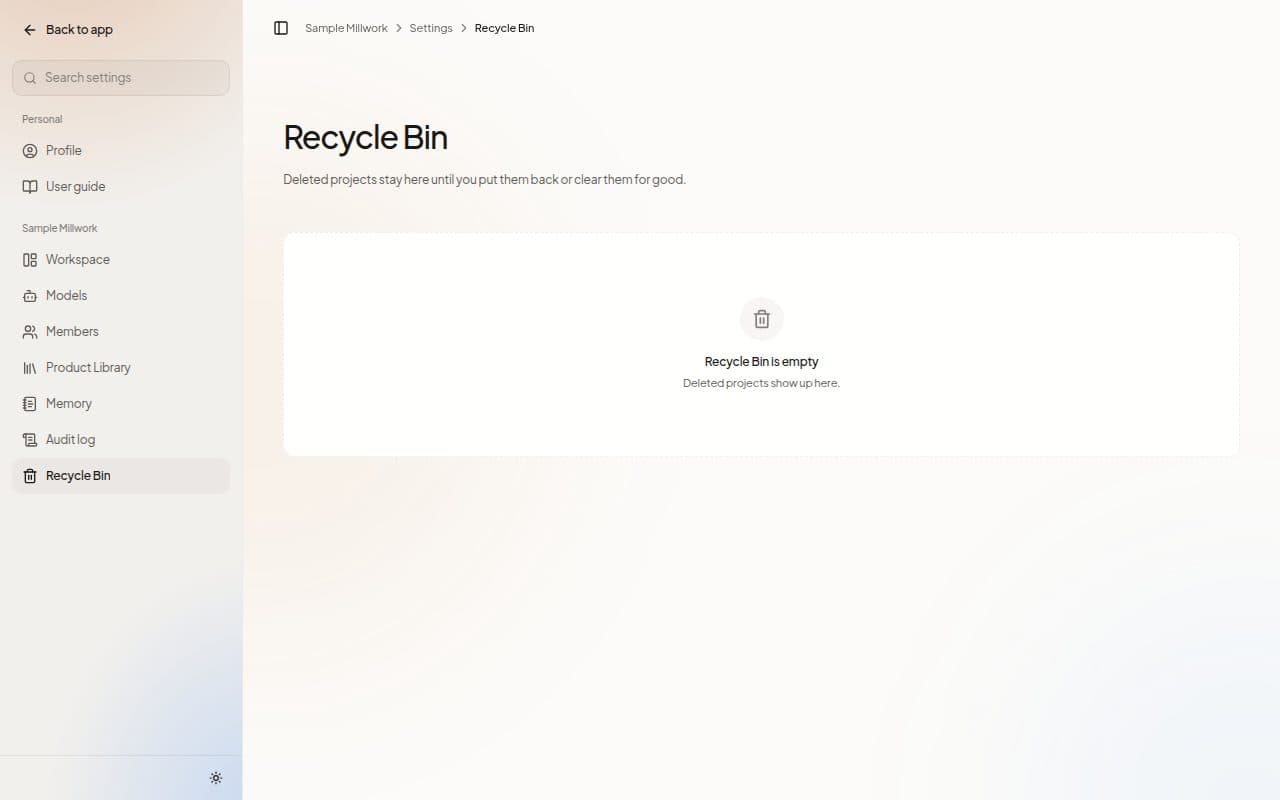
Recycle Bin in Settings holds deleted Projects: "Deleted projects stay here until you put them back or clear them for good."
Each row shows the Project, its GC and when it was Deleted. Choose Restore to bring a Project back, or Delete permanently to remove it for good. Tick rows to act on several at once. Owners, admins and estimators can restore and delete permanently.
When nothing has been deleted, the page reads Recycle Bin is empty.
Deleted files and folders have their own Recycle Bin in Files. See Trash and storage.
Next steps
Last updated on