
Workspace and Settings
Models
Choose the model MillOS uses.
Models shows the models MillOS can use for estimating: "The estimator model used for new work. A running estimate keeps the model it started with."
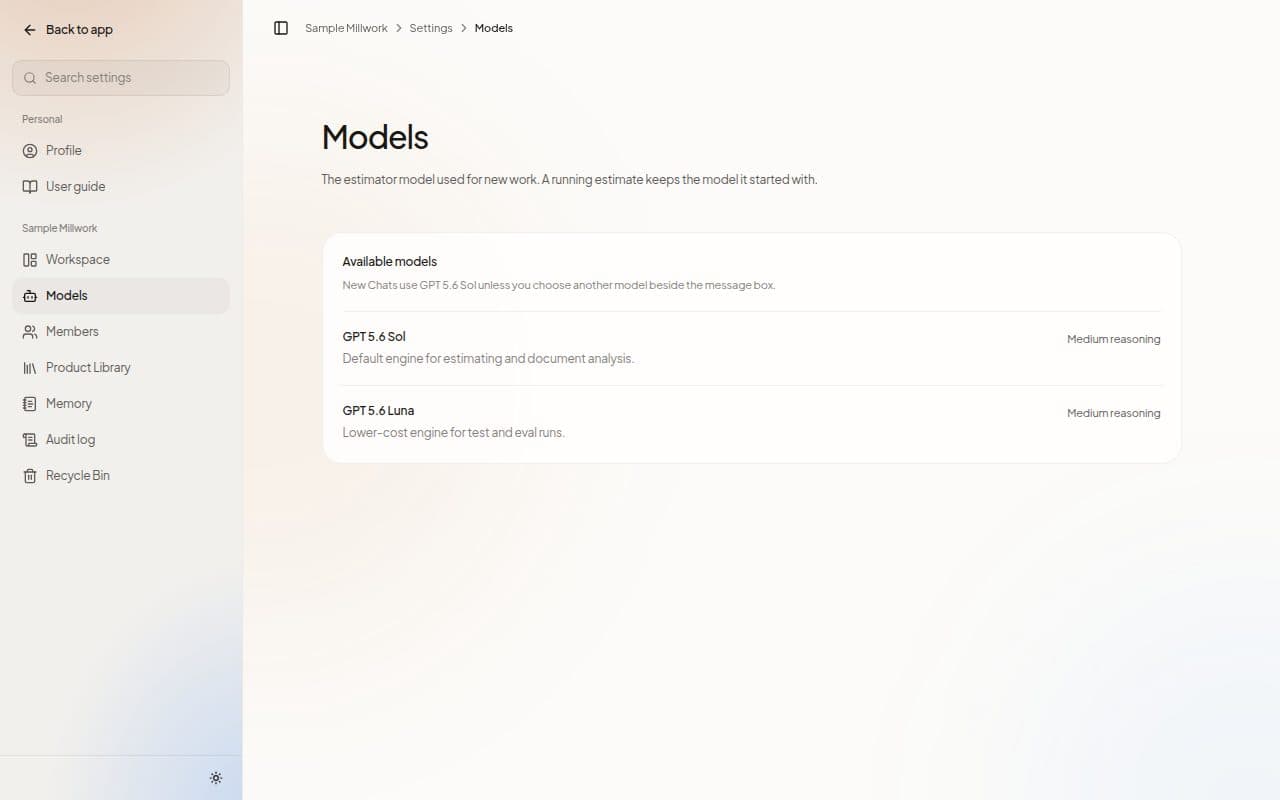
The Available models card lists each model with a short description and its reasoning level. New Chats use the default model unless you choose another one beside the message box.
Choose a model
- For a new Chat: use the Engine menu beside the message box. Inside a Project, the menu sets the engine for the whole Project.
- For a whole Project: use Engine in the Project's settings. It applies to every new run in that Project.
The default carries a Default badge, and Follow the default hands a choice back.
Next steps
Last updated on