
Workspace and Settings
Workspace
Your Workspace name, address, brand mark and storage.
Workspace holds the shop's name, its slug and its brand mark. Everyone in the Workspace can see them.
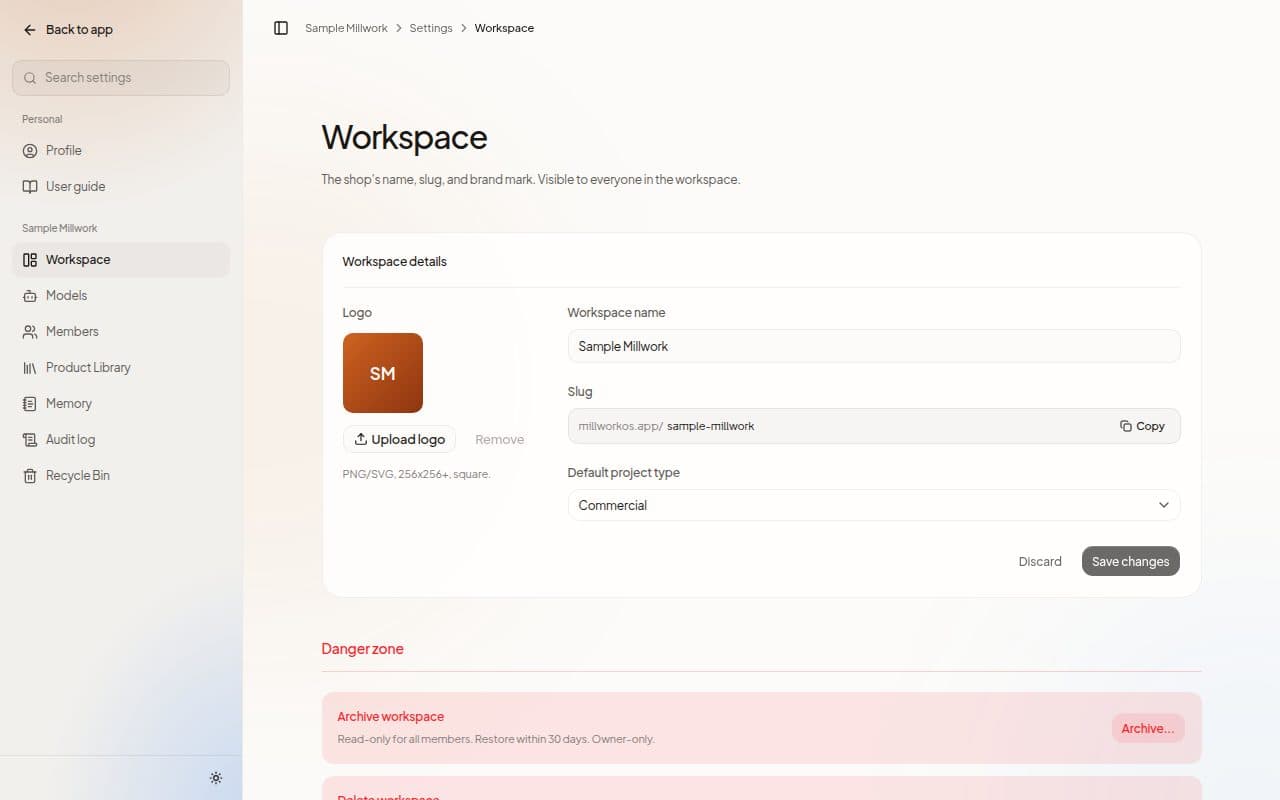
Workspace details
- Logo: choose Upload logo.
- Workspace name
- Slug: the short name in your Workspace's address. Copy slug copies it.
- Default project type: Commercial, Healthcare, Airport, Hospitality, Retail or Other.
Owners and admins can edit these. Choose Save changes when you are done.
Storage
The Storage card shows how much space your files use: "Drawings, spec books, and everything the estimator writes."
Archive or delete
Owners can Archive workspace, which makes it read-only for all members, or delete it by typing the Workspace's name to confirm.
Next steps
Last updated on