
Projects and Chats
What needs you
Find Chats that are waiting for you.
MillOS works while you do something else. The sidebar tells you when it needs you.
The bell
Choose the bell in the sidebar to swap the Chat lists for a panel of what needs your attention. A dot appears on the bell when there are priority items.
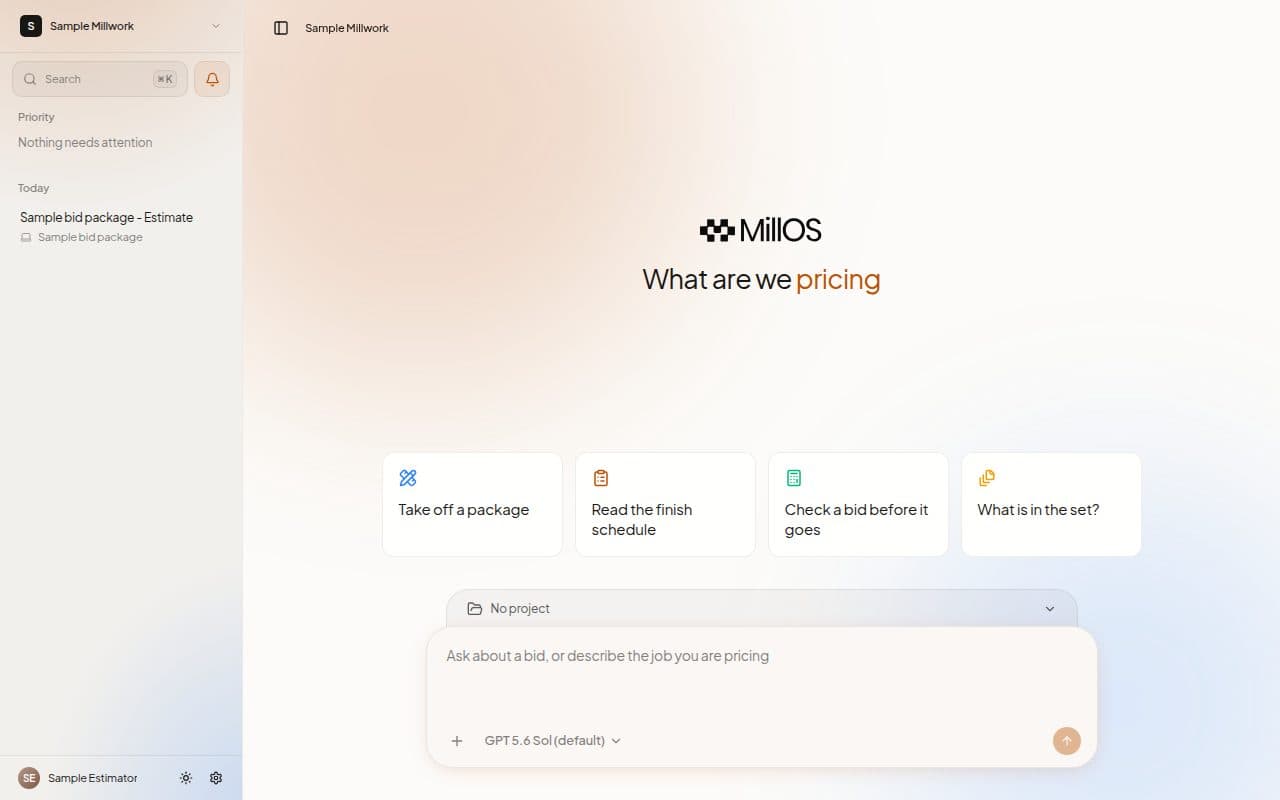
The panel lists Priority items first, then the rest by day. Each row carries a label:
- Needs your answer: a Chat with an open question.
- Working: a run in progress.
- Stopped: a run that ended with a problem.
Priority items are the ones waiting on you. Choose Mark all as read to clear them, and choose the bell again to go back to your Chats.
Icons in the sidebar
A Chat or Project row shows a small icon when something is going on:
- A question mark means Waiting for your answer.
- A spinner means Run in progress.
On the Projects list, the same states appear on the card as Waiting and Estimating.
Next steps
Last updated on