
Help and support
Keyboard shortcuts
Speed up your work with shortcuts.
Choose Shortcuts in the profile menu, or press Command or Ctrl with /, to see the keyboard shortcuts. On Windows and Linux use Ctrl where Mac uses Command.
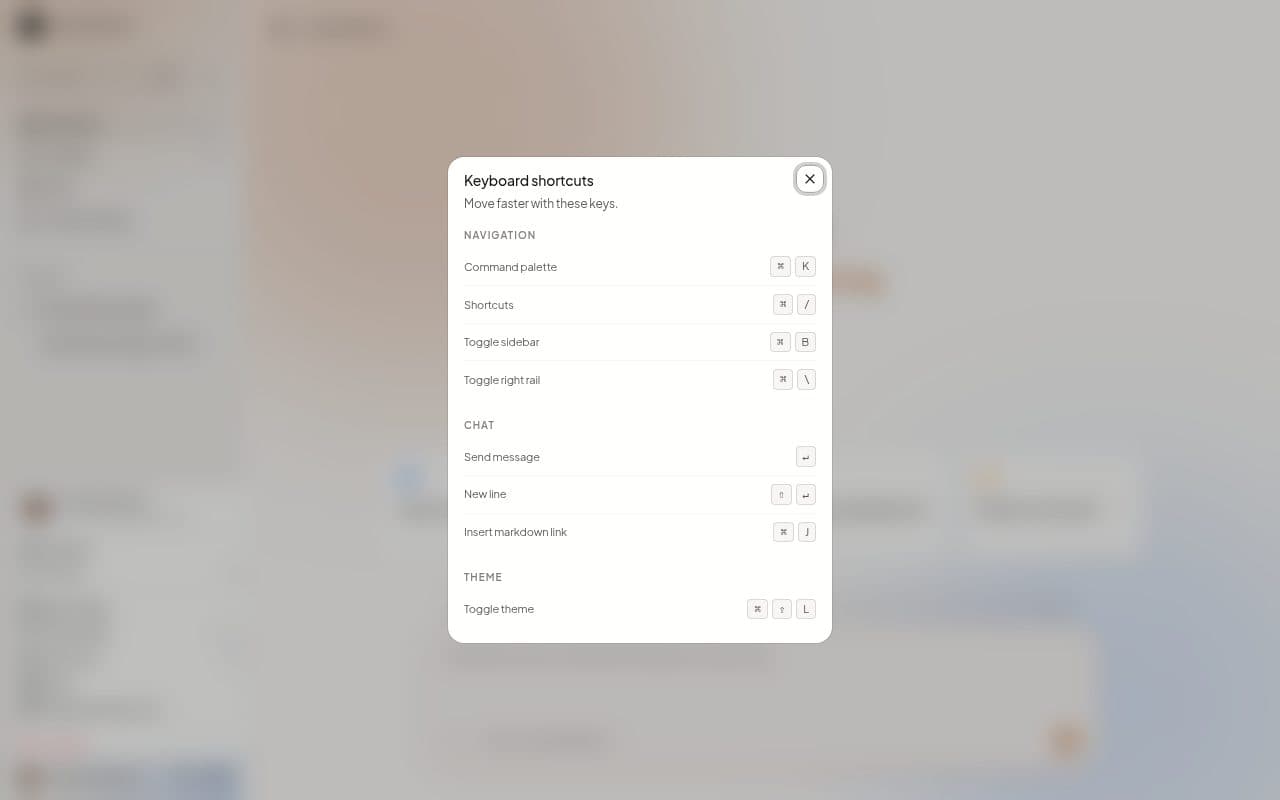
Anywhere in MillOS
| Keys | What they do |
|---|---|
| Command or Ctrl + K | Open the command palette. |
| Command or Ctrl + / | Show the shortcuts. |
| Command or Ctrl + B | Hide or show the sidebar. |
| Command or Ctrl + \ | Hide or show the right-hand panel. |
| Enter | Send a message. |
In the Estimate review
The Estimate review also responds to these keys.
| Keys | What they do |
|---|---|
| Up and Down arrows, or K and J | Move between lines. |
| A | Approve a line, or take the approval back. |
| R | Reject a line. |
| C | Comment or ask. |
| Esc | Close the line. |
The command palette
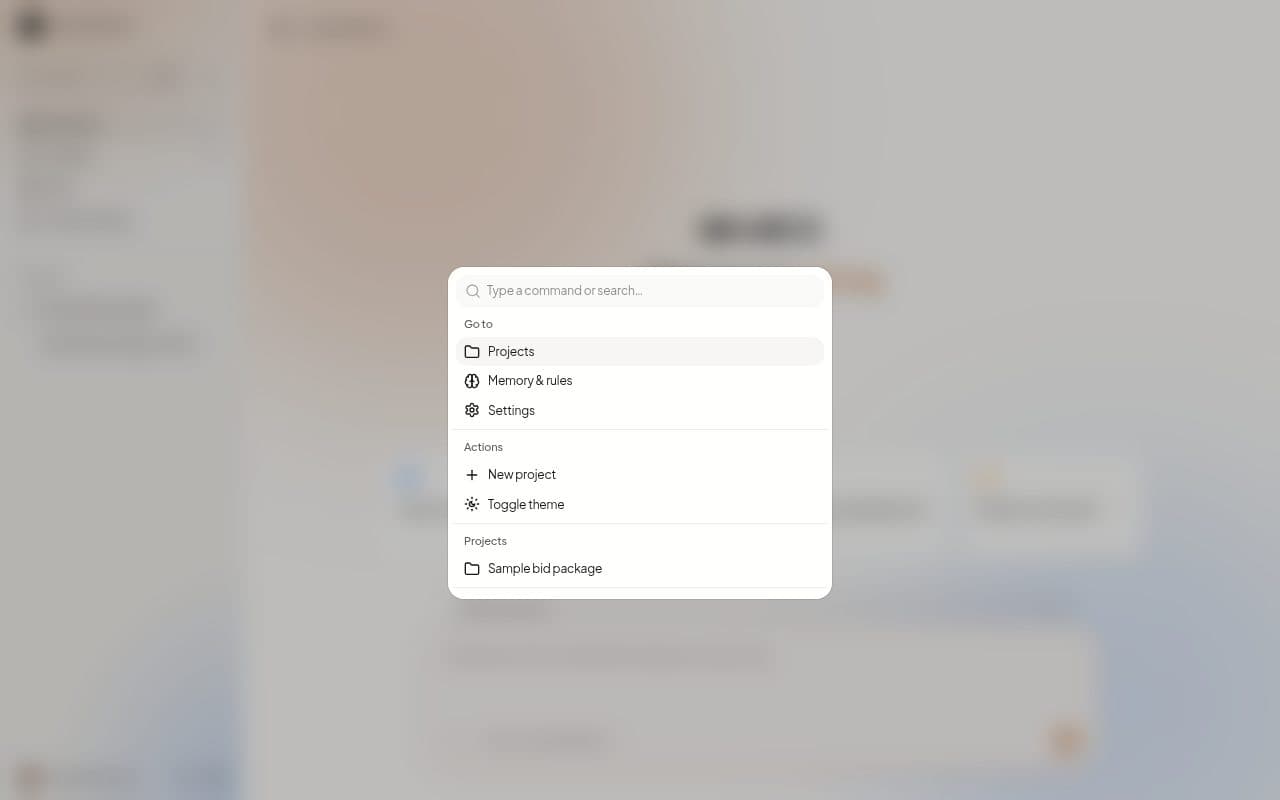
Press Command or Ctrl with K, or choose Search in the sidebar. The box reads "Type a command or search..." and lists, in order:
- Project files, when you are in a Chat inside a Project.
- Go to: Projects, Memory & rules and Settings.
- Actions: New project and Toggle theme.
- Projects and Chats you can jump to.
Next steps
Last updated on